




Remote Mouse & Keyboard turns your iPhone or iPad into a precision trackpad, full keyboard, and media controller for macOS and Windows. Sit back on the couch, run presentations from across the room, or automate workflows from any corner of the studio.
Quick Answer
Install Remote Helper on your Mac or Windows PC, put both devices on the same network, and choose Add Device in Remote Mouse & Keyboard. You can then use the trackpad, keyboard, media controls, and custom keypads. The app also pairs directly with supported TVs and uses a separate Bluetooth flow for controlling another iPad.
Instructions updated September 12, 2026 for Control 2026.43. The App Store figures below remain a separately dated snapshot.
Current App Guides
- Connect a computer, TV, or iPad, including QR code and manual IP:port setup.
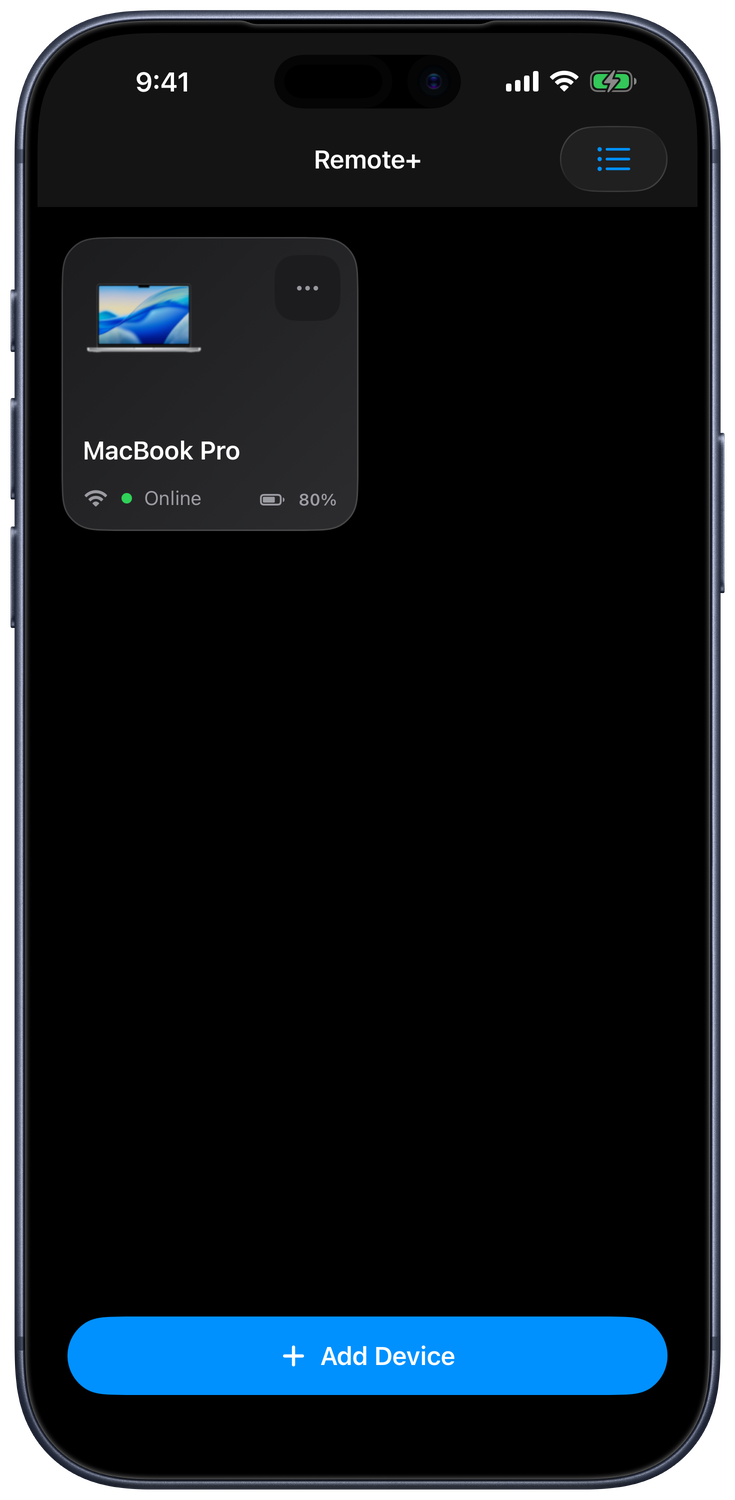
- Manage devices and rooms, choose a default remote, and reconnect or wake a computer.
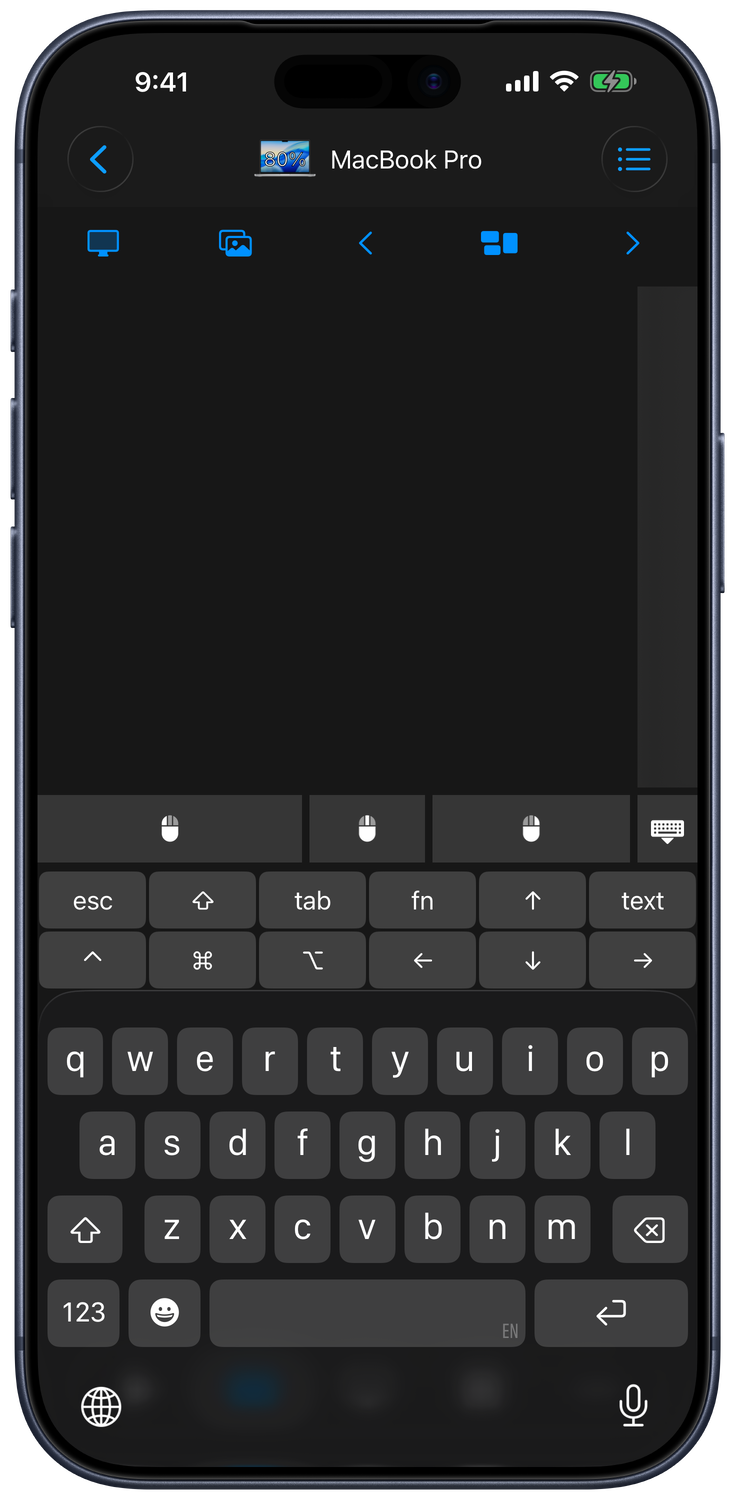
- Use the mouse, keyboard, and Live View, or customize the Input Bar and extra keyboard keys.
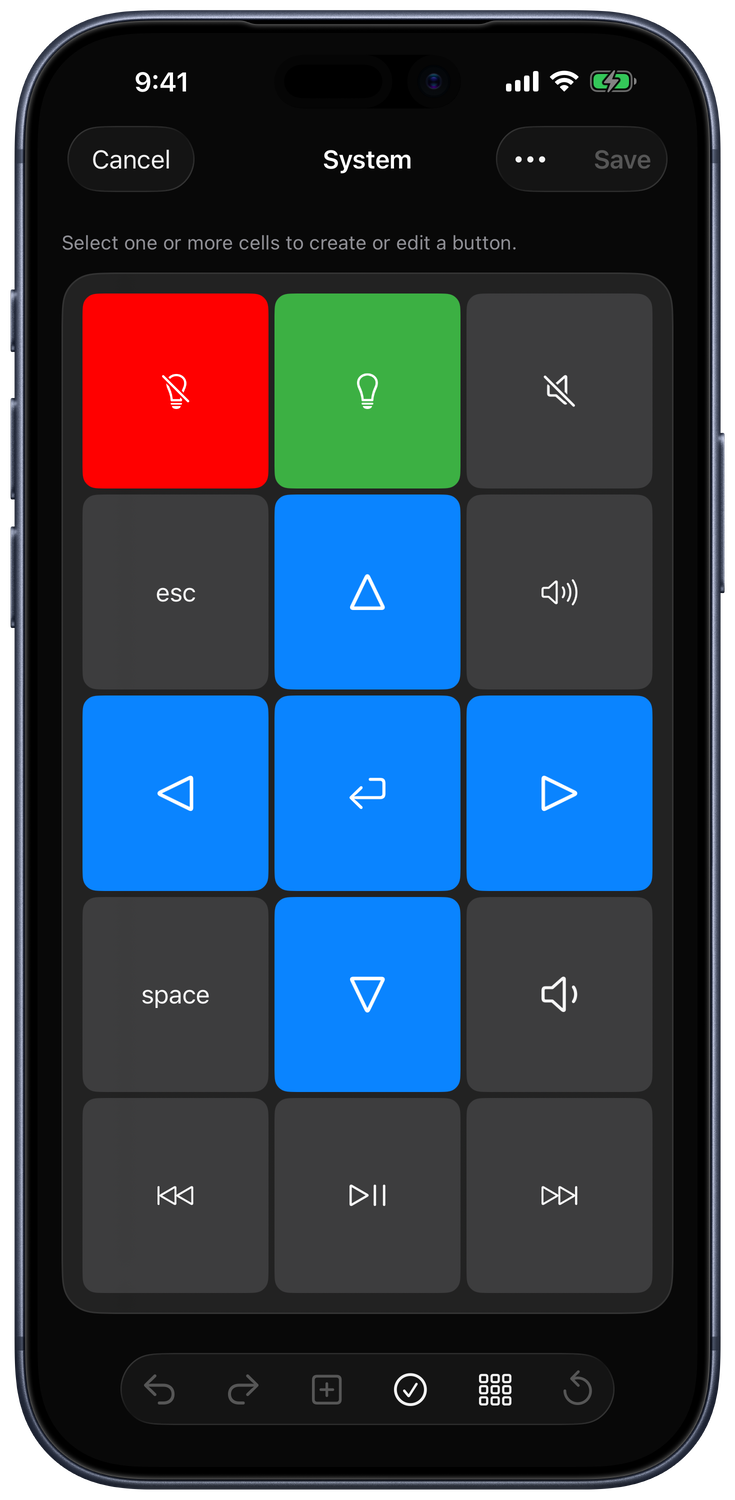
- Create and organize keypads with the current keypad editor.
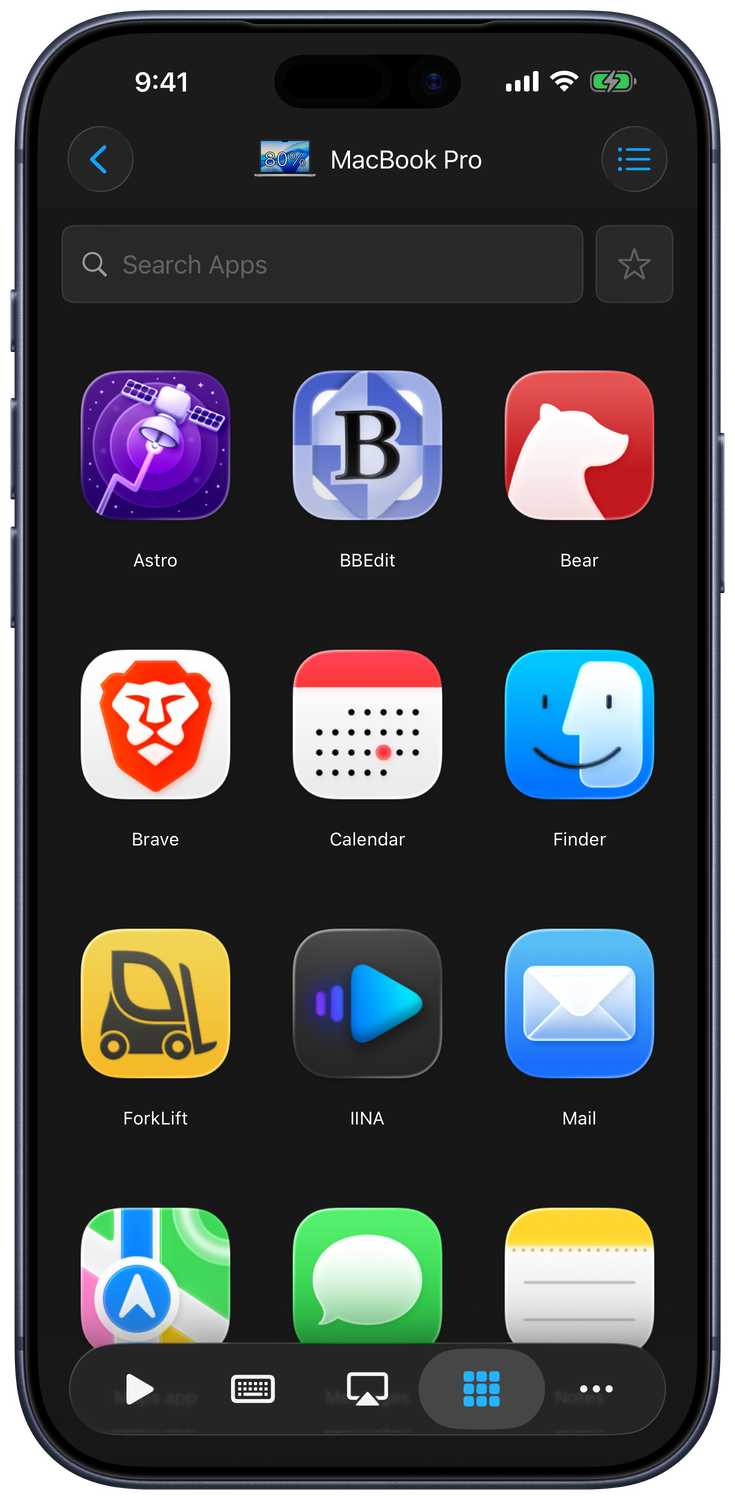
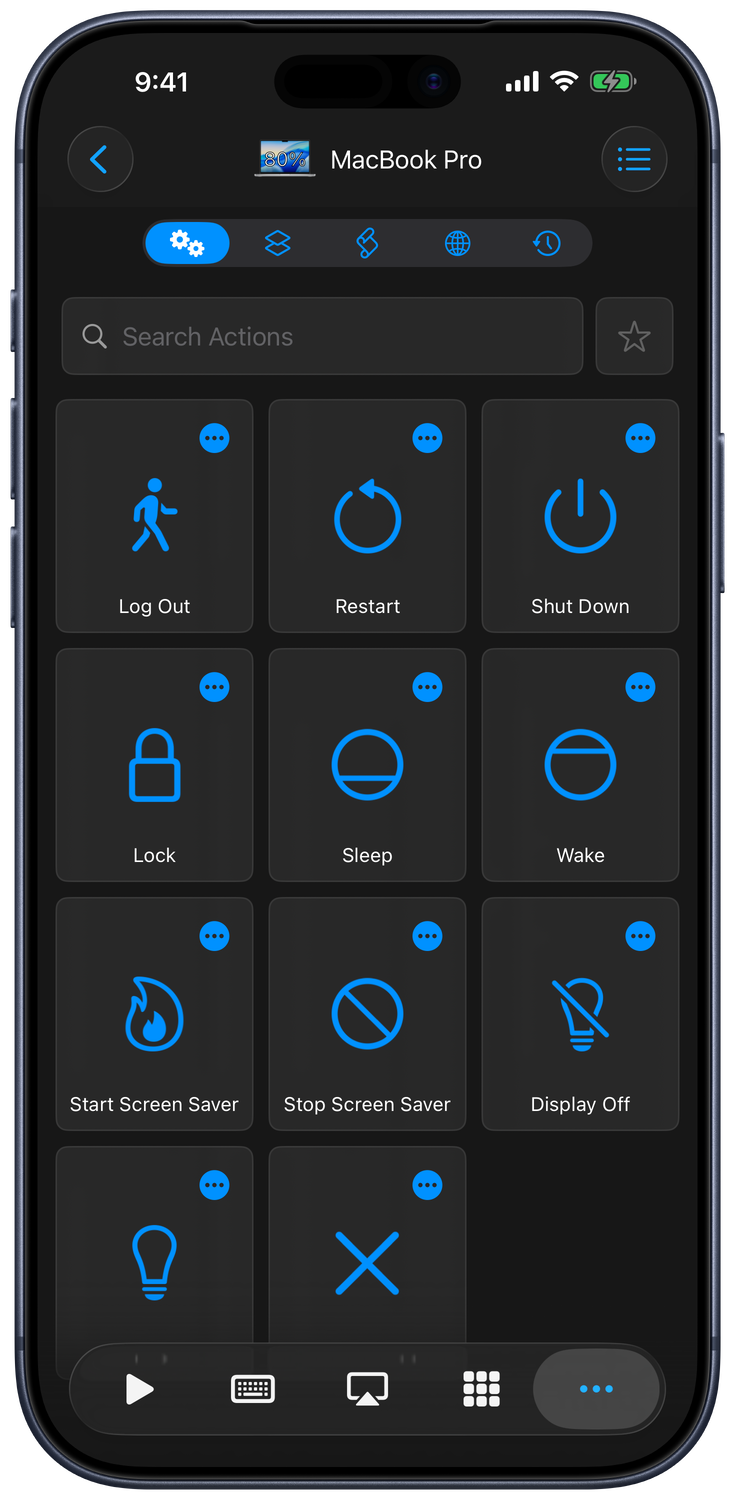
- Control apps, run computer actions, and switch Mac AirPlay output.
- Set up Siri and Shortcuts with named keyboard sequences and dedicated computer/TV actions.
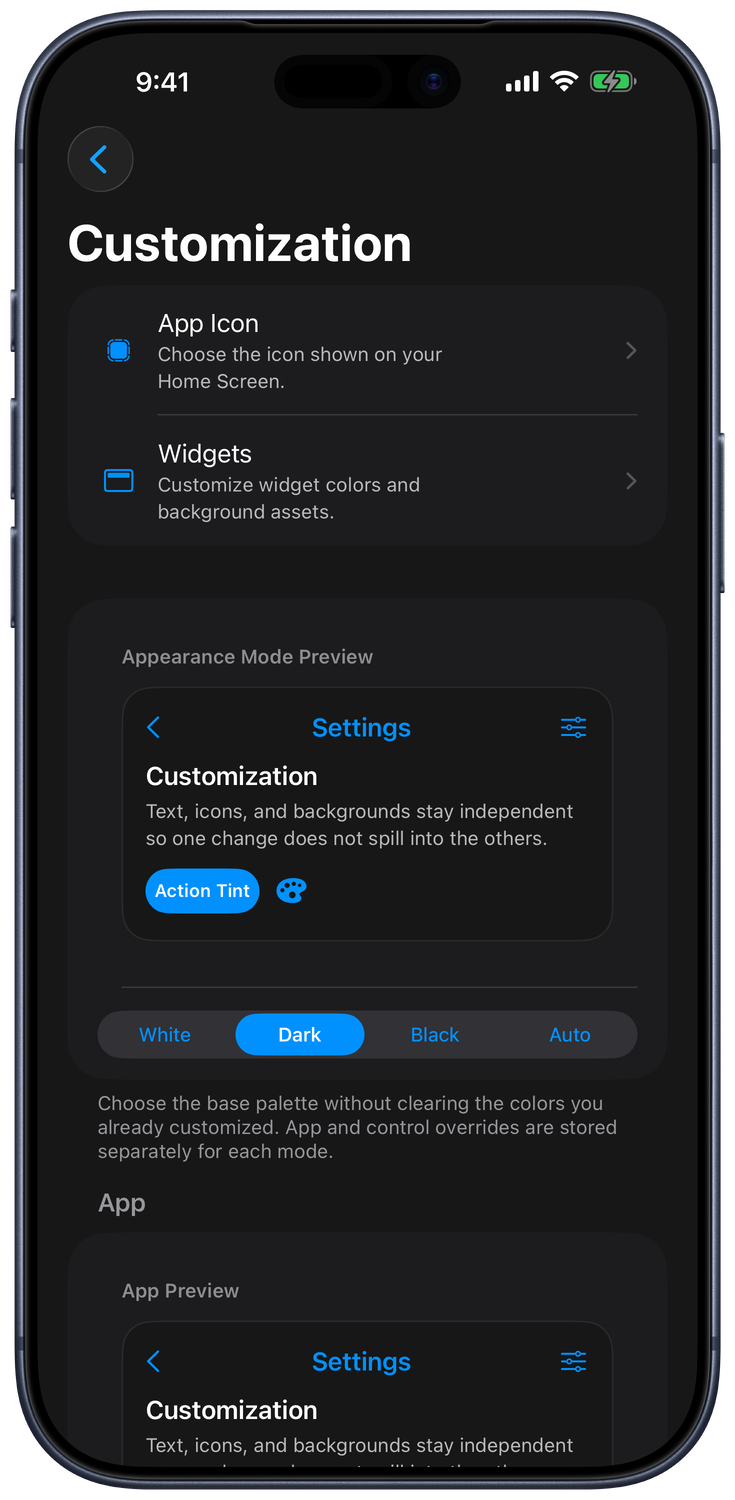
- Customize appearance and Live Activity controls.
- Add a TV or streaming device or control another iPad over Bluetooth.
App Store Facts
| Fact | Details |
|---|---|
| App Store name | Remote, Mouse & Keyboard |
| App Store ID | 629019487 |
| App Store version checked | 2026.42 — checked September 3, 2026 |
| App Store requirement checked | iOS 17.0 or later for iPhone and iPad — checked September 3, 2026 |
| Computer helper requirement | macOS 10.13 or newer, or Windows 7 or newer |
| Price | Free download with optional in-app purchases |
| Content rating | 4+ |
| US App Store rating checked | 4.46 out of 5 from 14,243 ratings — checked September 3, 2026 |
| Facts source | Apple App Store lookup; values are a dated snapshot, not live data |
Works With / Does Not Work With
| Works With | Does Not Work With |
|---|---|
| Mac running macOS 10.13 or newer with Remote Helper installed | Computers without the required helper app |
| Windows 7 SP1 or newer with Remote Helper installed | Unsupported or locked-down Windows environments that block helper connections |
| iPhone and iPad on the same Wi-Fi network or personal hotspot | Devices on different, guest, hotel, school, or isolated networks |
| Mouse, keyboard, media, app, system, keypad, and shortcut workflows | Network control without the required local network permission or pairing |
| Supported TVs paired directly in Add Device | Guaranteed support for every feature on every TV model; Sony and Panasonic options are experimental |
| Another iPad with the app installed on both devices and Bluetooth pairing | Bluetooth as a replacement for the Mac/Windows helper connection |
Built for home theaters, classrooms, and performers, the app has been downloaded more than 2,000,000 times since 2013—and it keeps everyday Mac mini and PC setups effortless to control.
Popular Remote Control Guides
- Best remote mouse app for Mac
- Best iPhone mouse app for Windows
- Best remote keyboard app for Windows
- Remote Mouse & Keyboard vs Chrome Remote Desktop
- Remote Mouse & Keyboard vs Windows Remote Desktop
- iPhone mouse for Mac
- iPhone mouse for Windows PC
- iPhone keyboard for Mac
- Remote keyboard for Windows from iPhone and iPad
- Mac mini remote control from iPhone
- Control a Windows PC from iPhone
- iPhone presentation remote for Mac
- iPhone presentation remote for Windows
- iPhone media remote for Mac
- iPhone media remote for Windows PC
- Wake a Mac from iPhone
- Wake a Windows PC from iPhone
- Control a Mac with Siri
- Control a Windows PC with Siri
- Mouse and keyboard controls
- Media controls and custom keypads
- Connection setup
Troubleshooting
App Screenshots
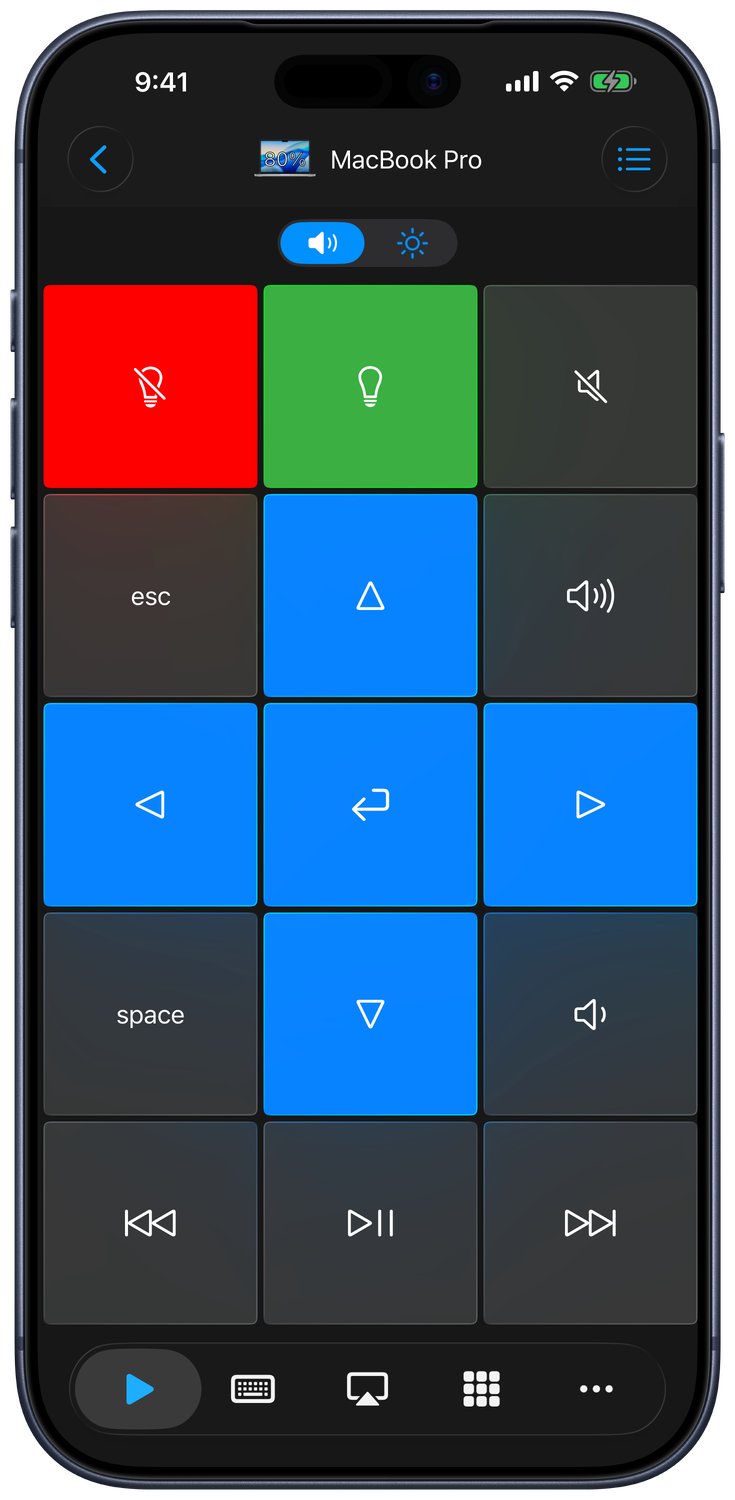
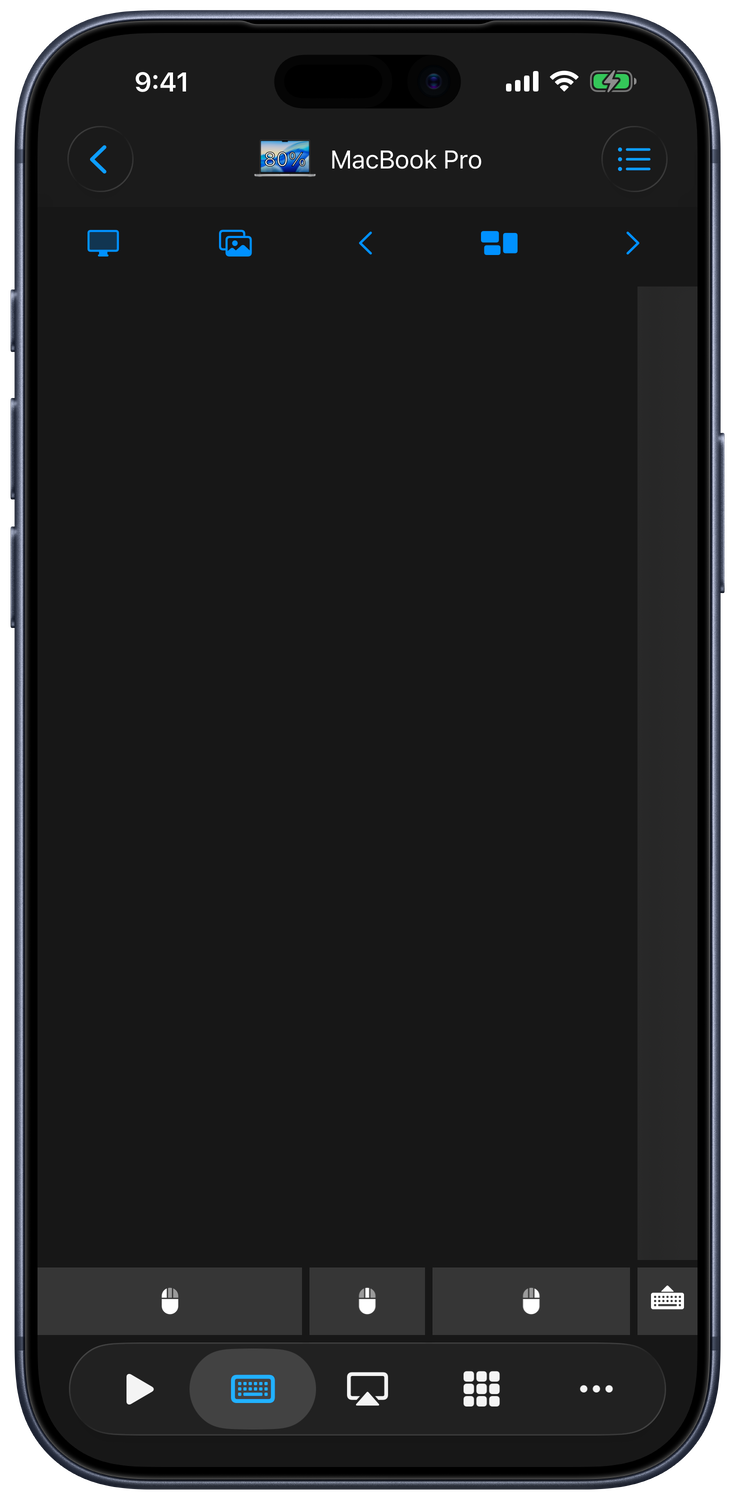
Current iPhone interface in English, captured from Control 2026.43. Computer control screens show a Mac connection.
Key Features
- Remote Mouse and Keyboard
- Media Controls for popular apps and websites
- Live view of your computer screen
- System Commands: shut down, restart, sleep, etc.
- Launch and Quit apps
- Control Sound Output / Screen Mirroring (Mac only)
- Use Siri to control your computer
Advanced Automations
Perfect for
- Home theater setups with Mac mini, Windows HTPC, or living-room laptops.
- Musicians and presenters who need stage-side control over scores, DAWs, or slides.
- Accessibility workflows that require large on-screen buttons and voice commands.
Quick Setup
- Install the free Remote Helper app from https://rs.ltd/get.
- Make sure your computer and iPhone/iPad share the same Wi-Fi network (or iPhone hotspot).
- Allow Local Network access, choose Add Device → Apple Mac or Windows PC, and select your computer. Approve access in Remote Helper if prompted.
- If discovery cannot find the computer, use Scan QR Code or enter the helper’s IP address and control port manually.
Answers to Common Questions
- Does it work without internet? Yes—any shared Wi-Fi or personal hotspot keeps devices talking locally, no cloud required.
- Can I wake my computer remotely? Eligible offline devices offer Wake in their device menu. Wake-on-LAN needs a saved network hardware address and compatible computer, adapter, power settings, and network.
- Is there haptic feedback? The iPhone/iPad provides haptics for clicks, and the app mirrors your desktop cursor with minimal latency.
- Accessibility support? Large-button layouts, dark mode, and Siri Shortcuts make it friendly for low-vision or hands-free control.
SECURITY
Computer control uses Remote Helper on your local network. If Ask to grant access for unknown devices is enabled in the helper, approve each new device on the computer. Review access later in the helper’s device settings. TV connections use their platform’s pairing process; Bluetooth iPad control requires pairing both devices.
Requirements
- iPhone or iPad: the App Store requirement checked September 3, 2026 was iOS 17.0 or later.
- Computer control: macOS 10.13 or newer, or Windows 7 or newer, with Remote Helper and a shared local network or personal hotspot.
- TV control: a supported TV or streaming device on the same local network.
- Another iPad: the app on both devices and Bluetooth pairing.